



Strenvo Screenless Fitness Tracker
Strenvo Screenless Fitness Tracker
Steps, heart rate, blood oxygen, sleep and stress tracked automatically, with call and message alerts by quiet vibration — without another screen lighting up on your wrist.
- ❤️ Automatic Heart Rate - Read every five minutes in the background, with nothing to press.
- 🌙 Sleep And Stress - Overnight sleep tracking and daily stress readings, all in the QWatch Pro app.
- 📳 Discreet Alerts - Calls, texts and WhatsApp arrive as a quiet vibration and light.
- 🏃 100+ Sports Modes - Pick your workout and record your running route through your phone's GPS.
- 🔌 Magnetic Charging - Place it on the magnetic charger: red while charging, green when full.
Buy More & Save More
Couldn't load pickup availability
Strenvo Screenless Fitness Tracker

I wanted something to count my steps on the school run without another screen buzzing at me all day. It sits under my sleeve at work, and every morning around seven I check last night's sleep in the app with my coffee.


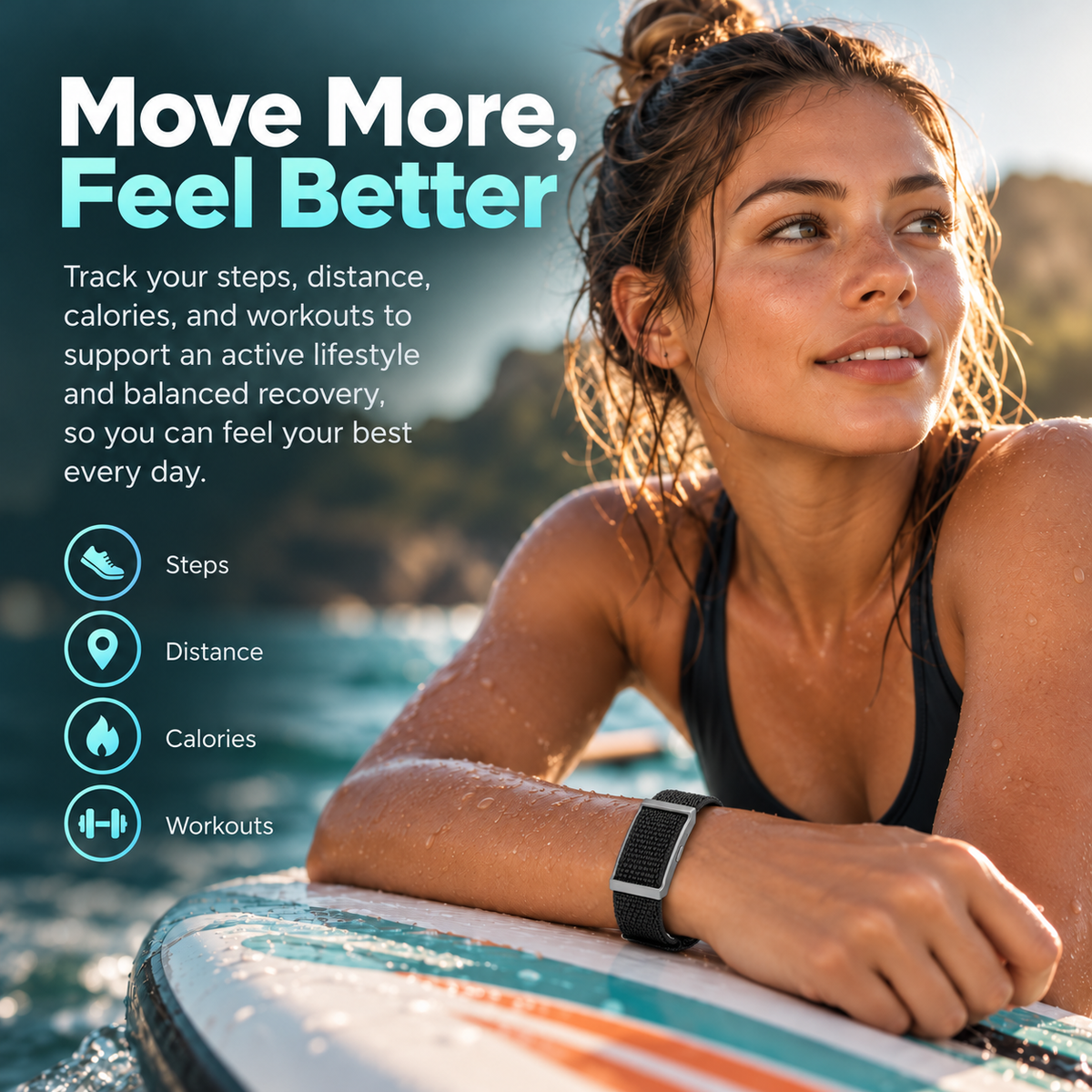
Why Everyone's Talking About Strenvo
Automatic heart rate every five minutes and over 100 sports modes, in a slim band with no screen — so you see your day in the app, not on your wrist.


A Fitness Band Without Distraction
There is no display on the band, so nothing lights up during a meeting, a film or the middle of the night. Calls, texts and WhatsApp messages still reach you, as a short vibration and a small light. Strenvo keeps tracking quietly, and you read the numbers when it suits you.

No More Checking Your Wrist
Most wearables ask for your attention all day. This one works in the background: heart rate every five minutes, blood oxygen every hour, sleep logged overnight. Open the QWatch Pro app over breakfast and the whole picture is waiting, with the Strenvo step counter running since you got up.

One Activity Tracker, 100+ Sports
Choose from over 100 sports modes in the app, from a morning run to an evening class. Steps, distance and calories add up across the day, and when you run outdoors the route is recorded through your phone's GPS. Strenvo keeps every session together in one place.

Charging That Clicks Into Place
Charging is as simple as placing the band on its magnetic USB charger and plugging it into a USB port or adapter. The light shows red while it charges and turns green when it is full. Then Strenvo goes back on your wrist, pairing with Android and iOS phones over Bluetooth 5.0.
How to Use Strenvo
There is nothing to install and no fiddly setup. Download the QWatch Pro app, place the band on its magnetic charger and give it a first charge of at least three hours. Then pair it from the app with Bluetooth switched on, set your goals, and put it on your wrist. Done in minutes.
-

Download The App
Scan the QR code in the manual, or search for QWatch Pro
-

Charge To Activate
Place it on the magnetic charger until the red light turns green
-

Pair And Personalise
Select your band in the app, then set your daily step and sleep goals
-

Wear It Daily
Keep it on day and night, and check your trends each morning


Free Tracked Shipping!
Free Tracked Shipping!
Free Tracked Shipping!
Free Tracked Shipping!
Free Tracked Shipping!
Free Tracked Shipping!
Free Tracked Shipping!
Free Tracked Shipping!
Free Tracked Shipping!
Free Tracked Shipping!
Free Tracked Shipping!
Free Tracked Shipping!
Free Tracked Shipping!
Free Tracked Shipping!
Free Tracked Shipping!
Free Tracked Shipping!
Strenvo vs Others
No screen, automatic heart rate every five minutes and 100+ sports modes — here is how it compares with the trackers you know.

|
Others | |
|---|---|---|
Screenless design |
||
Heart rate every five minutes |
||
Hourly blood oxygen readings |
||
Sleep and stress tracking |
||
Over 100 sports modes |
||
Vibration call and message alerts |
||
Magnetic USB charging |
||
UK returns and support |
We have the answers to all your questions
Frequently asked questions
What does Strenvo track?
Steps, distance, calories, heart rate, blood oxygen, sleep and stress, all synced to the QWatch Pro app on your phone.
Which app does it use?
The QWatch Pro app, available on Google Play and the App Store. Scan the QR code in the manual to find it.
How do I get notifications without a screen?
Calls, texts and apps such as WhatsApp arrive as a vibration and a light. Press the button once to stop the alert.
How do I charge it?
Place it on the magnetic USB charger. The light is red while charging and turns green when it is full.
How often does it read my heart rate?
Automatically every five minutes. Blood oxygen is read once an hour, and sleep is recorded with a main window from 1am to 7am.
Is it comfortable to wear overnight?
It is a slim band with no screen, so there is nothing bulky to catch on sheets or sleeves while you sleep.
Will it work with my phone?
Yes, with Android 5.0 or later and iOS 10.0 or later, connecting to the app over Bluetooth 5.0.
Is it a medical device?
No. Strenvo is a fitness and wellness tracker, not designed to diagnose or monitor any disease. Speak to your GP about any health concerns.